 The AI video studio for YouTube creators
From a blank page to a finished video,
all in one tab.
Write the script, pick a voice and an art style, and render a finished 1080p video. Long-form and Shorts, plus a Thumbnail Studio that learns your channel's look.
- From $29.99/mo
- Cancel anytime
- Full commercial rights
The look
Real renders. Long-form and Shorts.
Every clip below is an unedited export from the studio: scene art, voiceover, subtitles, and the final encode.
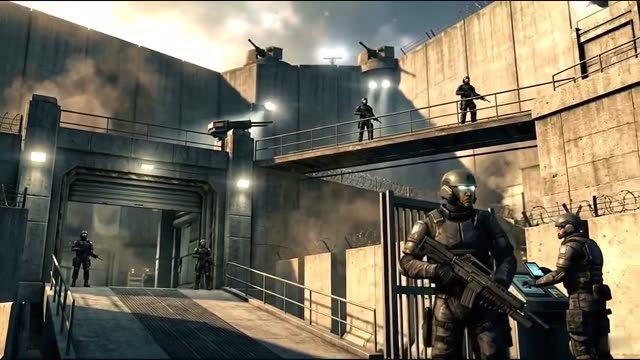


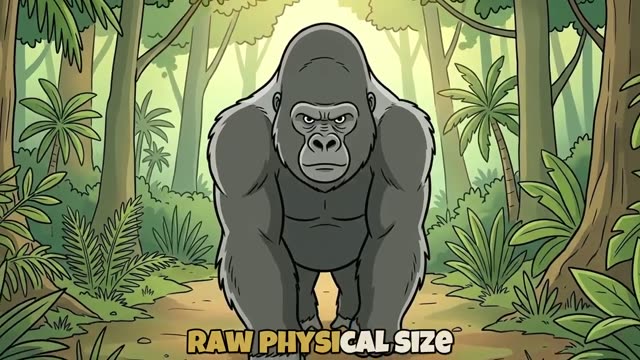
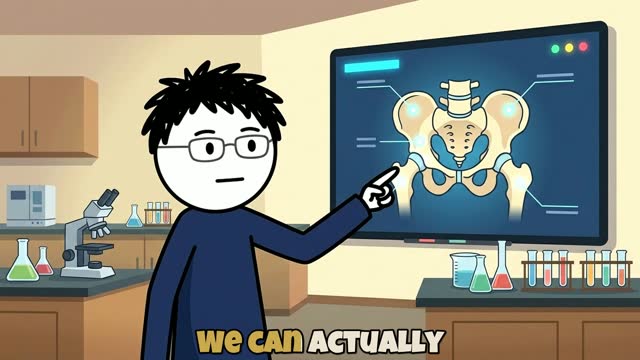
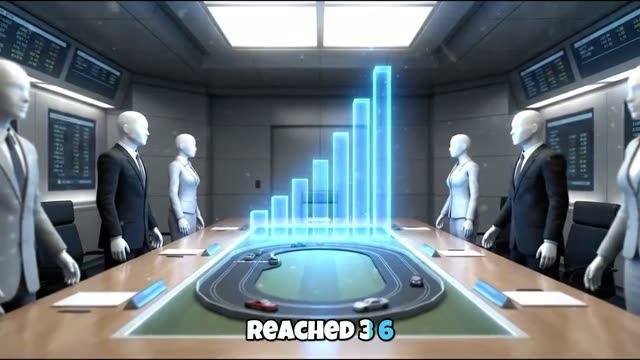
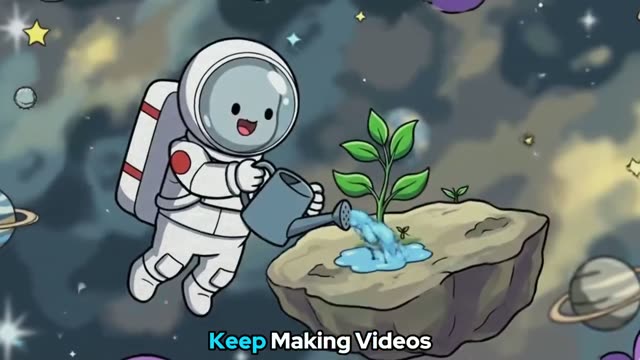

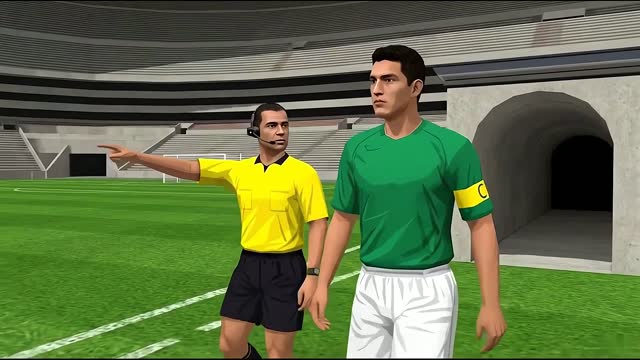
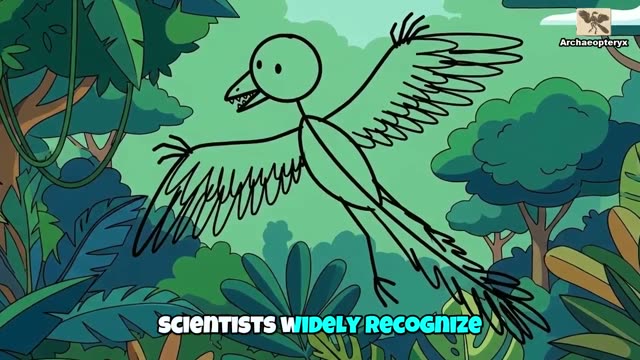

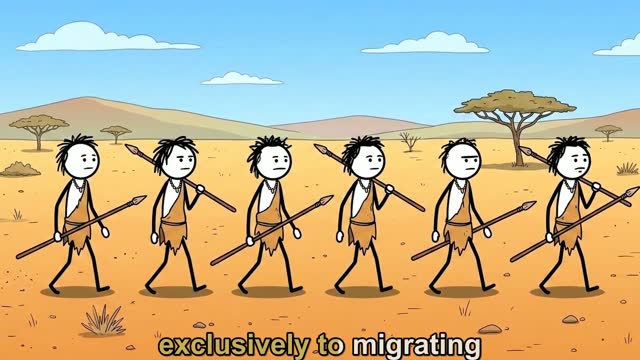
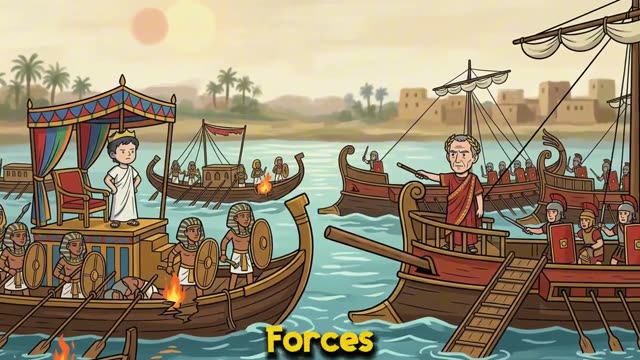
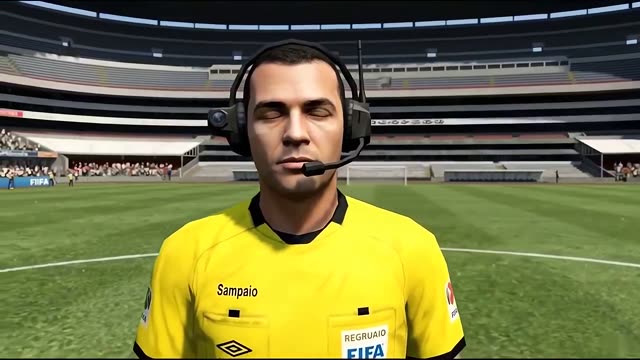

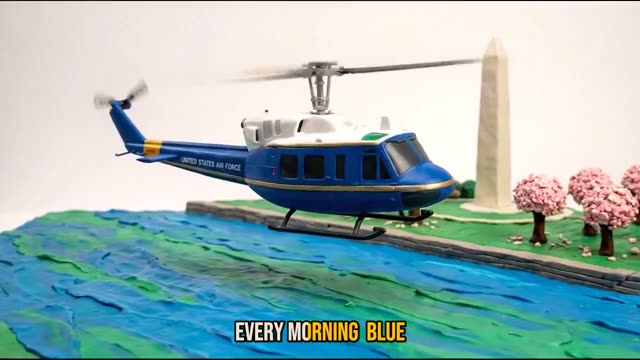
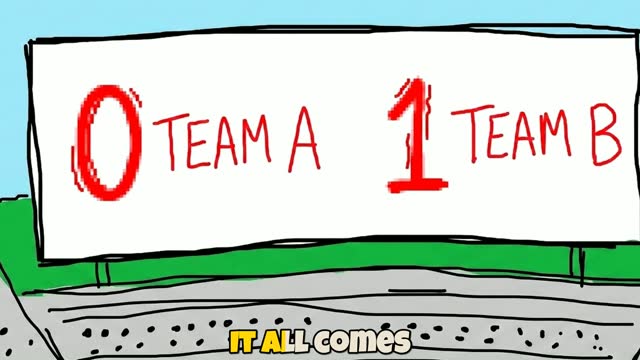
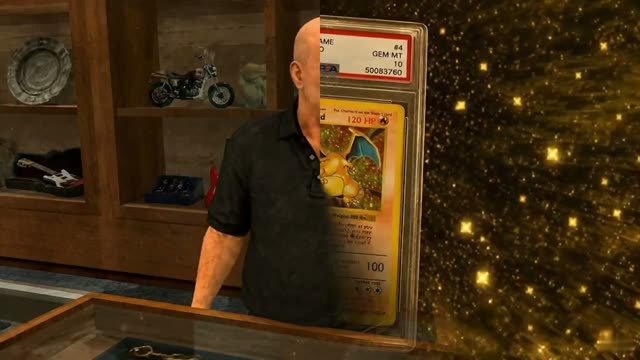
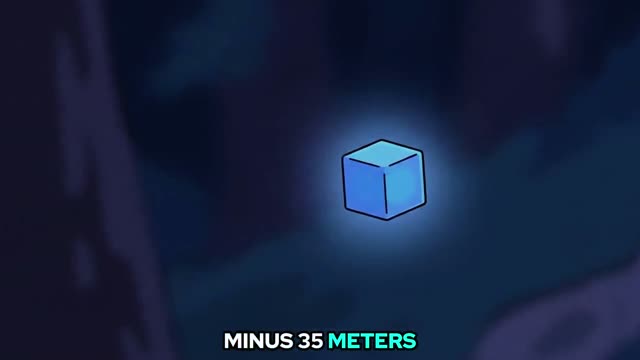

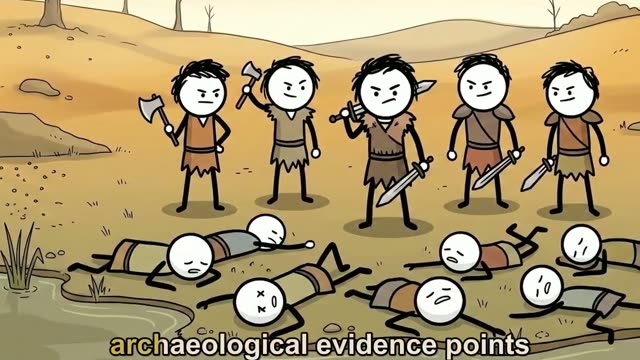
Full-length exports
Whole videos. Start to finish.
The toolkit
Two tools. One finished upload.
We cut the toolkit down to the two things that put a video on your channel: the pipeline that makes it, and the studio that makes people click it.
AI Animated Video Pipeline
Script to finished 1080p render, in one project.

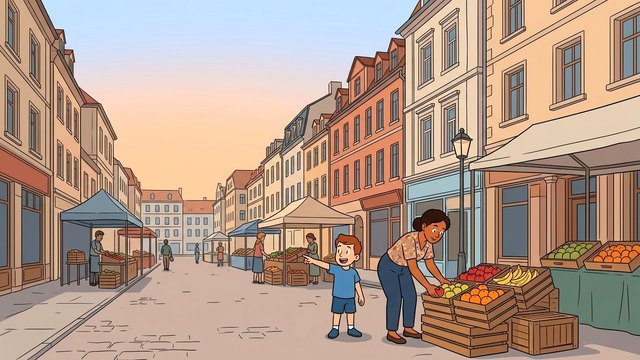
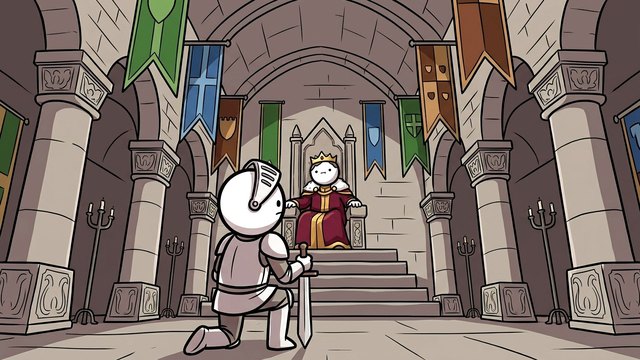
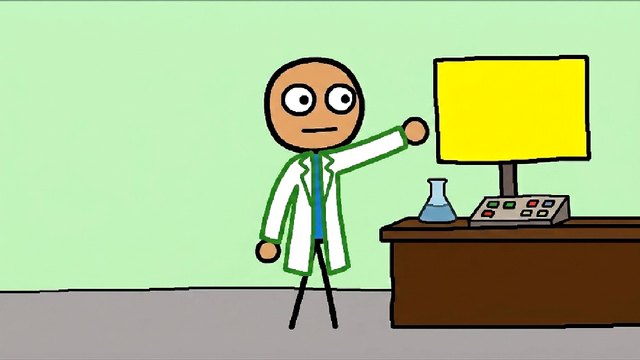

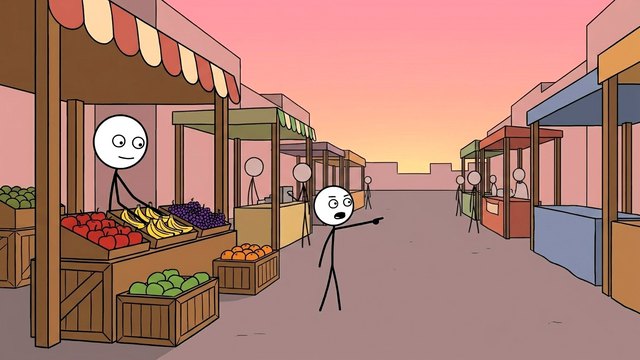
- Long-form 16:9 and Shorts 9:16
- 270+ voices, or upload your own narration
- Built-in art styles, or a custom style from your references
- Consistent characters across every scene
- Ken Burns motion, or per-scene AI video generation
- Subtitles, royalty-free music, 1080p MP4
Six of the built-in styles, straight from the style picker.
Thumbnail Studio
Three CTR-tuned concepts per idea. Free to start.
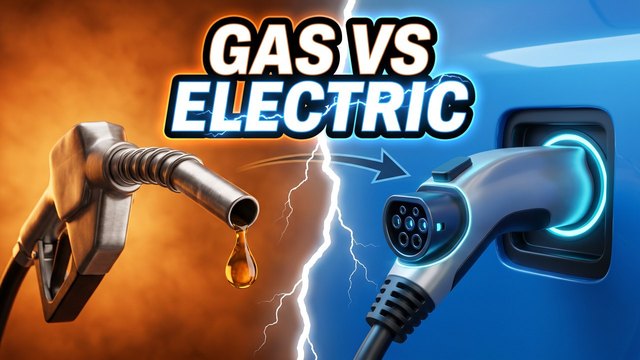

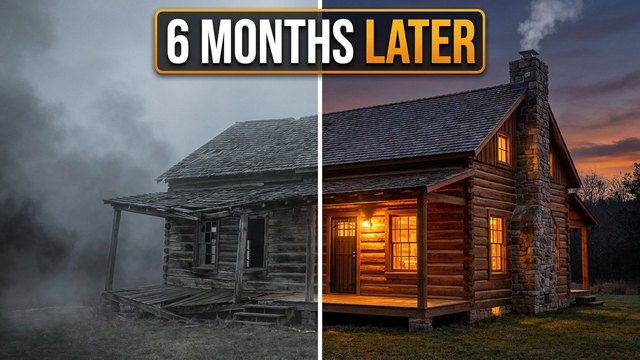

- 5 free thumbnails every month, no watermark
- Learns any channel's packaging style
- Hook text painted into the art, edited free
- Score each concept, remix what the score flags
- Preview in the home feed, search, and at squint size
- A/B packs for long-form and Shorts
Works on its own, or on the video you just rendered.
How it works
Idea to finished video, in five steps.
One project carries the script, the voice, the style and the scenes from the first line to the final encode. Nothing gets copied between tabs.
- 01
Start from a topic or a script
Type a topic and a target length, or paste a script you already wrote. Long-form 16:9 or Shorts 9:16.
- 02
Script and voiceover
The writer drafts a retention-tuned script in your language. Pick one of 270+ voices or upload your own narration.
- 03
Choose a visual style
2D, 3D, anime, comic, claymation, photoreal, or a custom style built from your own reference images.
- 04
Storyboard and scene art
Scenes are planned and drawn in parallel, with cast portraits keeping every character consistent. Redo any scene you don't love.
- 05
Render and download
Ken Burns motion by default, per-scene AI video when you want real animation. Subtitles, music, and a 1080p MP4.
Why NextGen
Built like a studio, not a toolbox.
Most AI video tools stop at one step and hand you a folder of parts. NextGen keeps the whole project in one place, so the script knows the format, the scenes know the characters, and the render knows the voice.
See the pipeline- 01
Characters that hold from scene one to the last
Cast portraits anchor every scene, so the same face, hair and outfit turn up in scene forty as in scene one.
- 02
Your style, from your references
Pick a built-in look or upload a few images. The studio copies how they are drawn, not just their colours, across the whole video.
- 03
Motion when you want it
Ken Burns renders fast and cheap. Flip any scene to AI video generation for real animation, with no separate video-AI subscription.
- 04
Thumbnails in the same account
The Thumbnail Studio learns your channel's packaging and gives you three concepts per idea. Five are free every month.
- 05
Credits you don't lose
If a generation fails on our side, the credits go straight back to your balance. No ticket, no waiting.
Pricing
One subscription. The whole studio.
Subscribe for the best per-minute rate, then top up with one-time credit packs whenever you need more. Taxes and fees are included, so the price you see is the price you pay.
Lite
Try the platform
$29.99/ mo
$0.81 / min
20,000credits / month
≈ 3 long videos (8-10 min), 38 shorts, or 500 images- AI script generation + subtitles
- 270+ voices, or upload your own narration
- All built-in visual styles
- Thumbnail Studio (40 credits each)
- Per-scene AI video generation
- Royalty-free soundtrack library
- Standard generation queue
- 10 GB cloud storage
- 2 active projects
Starter
Test the workflow
$69/ mo
$0.62 / min
60,000credits / month
≈ 11 long videos (8-10 min), 116 shorts, or 1,500 images- AI script generation + subtitles
- 270+ voices, or upload your own narration
- All built-in visual styles + 2 custom styles
- Thumbnail Studio (40 credits each)
- Per-scene AI video generation
- Royalty-free soundtrack library
- Standard generation queue
- Priority chat support - under 24h response
- 50 GB cloud storage
- 5 active projects
CreatorMost Popular
Ship every week
$149/ mo
$0.54 / minSave 16%
150,000credits / month
≈ 27 long videos (8-10 min), 292 shorts, or 3,750 images- AI script generation + subtitles
- 270+ voices, or upload your own narration
- All built-in visual styles + 5 custom styles
- Thumbnail Studio (40 credits each)
- Per-scene AI video generation
- Royalty-free soundtrack library
- Priority generation queue (2× faster)
- Priority chat support - under 24h response
- 150 GB cloud storage
- 10 active projects
Studio
Production at scale
$399/ mo
$0.48 / minSave 30%
450,000credits / month
≈ 83 long videos (8-10 min), 877 shorts, or 11,250 images- AI script generation + subtitles
- 270+ voices, or upload your own narration
- All built-in visual styles + 8 custom styles
- Thumbnail Studio (40 credits each)
- Per-scene AI video generation
- Royalty-free soundtrack library
- Top-of-queue priority + concurrent renders
- Dedicated render workers - no waiting room
- Priority chat support - under 24h response
- Unlimited cloud storage
- 15 active projects
Need extra credits mid-cycle? One-time top-ups from $5. Available on the billing page.
Script 10 cr · Image gen 40 cr/scene · Video gen 150 cr/scene · Render 50 cr · Voiceover 30 cr/min (min 15)
FAQ
Common questions
Something not covered here? Email businessvisionmediagroup@gmail.com and a human answers.
Is there a free trial?
Not for video. Every render runs on real GPU time, so instead of a watermarked trial the Lite plan at $29.99/month unlocks the whole studio with enough credits for 3 long videos or 38 shorts. The Thumbnail Studio is free to start: 5 thumbnails a month, no card needed.
Is the Thumbnail Studio included?
Yes. Every video plan generates thumbnails at 40 credits each, and every account gets 5 free thumbnails a month without a subscription.
Do I own what I create?
Yes. Anything you generate with NextGen Studio is yours, with full commercial rights. Monetize on YouTube, TikTok, Instagram, sell as digital products, anything you want.
What happens if a generation fails?
Credits are refunded automatically. If our AI provider returns an error after we've charged, the credits go straight back into your balance, no support ticket needed.
Can I cancel anytime?
Yes. Cancellation stops the next renewal. You keep access through the end of the billing period you've already paid for, including any unused credits.
Is my payment data safe?
We never see or store payment details. Dodo Payments is our merchant of record. They handle every transaction, tax in 100+ jurisdictions, and chargebacks. We just see anonymized success/failure events.
Can I upload my own voiceover instead of using AI?
Yes. Upload an audio file and we'll sync the storyboard timing to your narration. Useful when you've already recorded a voice you want to keep.
Stop tab-hopping. Start shipping.
Replace your stack of AI tools with one studio that knows your project context end to end.
- Dodo Payments merchant of record
- Cancel anytime
- Credits refund on failure